
VisaSoft Studio
VisaSoft Studio is the working environment of visagrafía® on the web. With it the collections of graphemes and ideograms are maintained, visagrafía® text is written, and the fonts and packs the keyboards use are generated.
Open VisaSoft Studio User manual
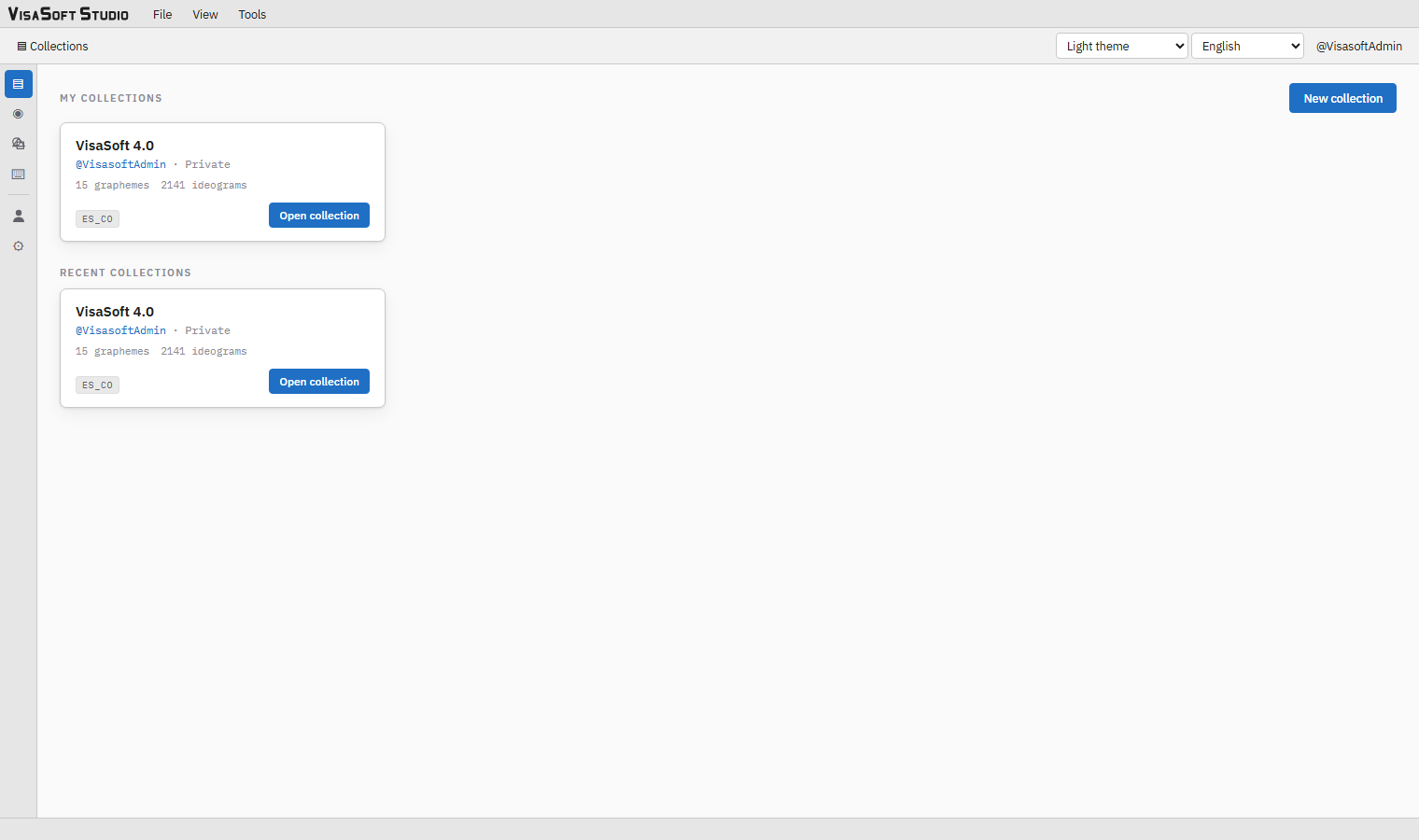
The modules
| Module | What it is for | Manual |
|---|---|---|
| Collections | Create, clone and organise collections and their locales; import and export the VisaSoft 4.0 XML format; export fonts. | Collections |
| Ideogram editor | Compose ideograms from graphemes on the glyph page, with grid, percentile frames and transformation handles. | Ideogram editor |
| Grapheme editor | Draw the graphemes with primitives, vertices and Bézier curves. | Grapheme editor |
| Versions and snapshots | Autosave, explicit versions promoted to live, per-user snapshots and comparison. | Versions and snapshots |
| Text editor | Write documents in visagrafía® by typing words or graphemes, with page, paragraphs, lists, panels and export to PDF, DOCX and PNG. | Text editor |
| Font creation | Generate the TrueType font of a locale with its range, name and normalization parameters. | Font creation |
| My account | Saving preferences, password and sessions. | Getting started |
| Administration | Users, teams, resource groups and permissions, activity log. | Getting started |
What is needed
- A modern browser. VisaSoft Studio works in recent Chrome, Edge, Firefox and Safari. Chrome or Edge are recommended: only Chromium-based browsers can import and export the XML format straight from a folder on disk; in the others the export downloads as a
.zipfile and the import is done by choosing the folder with the standard dialog. - An account. Accounts are created by an administrator from the Administration module. Each account sees the collections its permissions grant and can belong to teams with access to groups of collections.
- A desktop screen. The editors are designed for mouse and keyboard; the text editor also works with a touch screen, but the handles of the ideogram editor need precision.
Languages and themes
The interface is available in Spanish (default), English, French and Portuguese; it is switched in the toolbar selector or in the View menu, and the choice is remembered in the browser. The theme can be light, dark or dark with a white canvas (the dark interface, but a white drawing area with black ink, like the paper the glyphs will end up on); the theme is saved in the account and travels with it.
What happens to what you write
- Everything is saved on the server. Ideograms and graphemes are autosaved while you edit; the text editor's documents are saved as per-user snapshots and resumed when you come back.
- Nothing is published by accident. A change to an ideogram does not reach the fonts or the exports until a version is created and promoted to live. Snapshots are personal copies.
- Nothing is deleted without asking. Every operation that is hard to undo (promote, switch version with pending changes, rename, delete) asks for confirmation in an in-app dialog.
Earlier editions
VisaSoft Studio is compatible with the files of VisaSoft 4.0, the original desktop program: any folder of .grf and .idg files imports as is, and any collection can be exported in that format to keep using it there. The details are in the Collections manual.